
 If you got one of our microSD cards pre-loaded with Retropie, you probably got it with the “Favorites” and “Last Played” disabled or just hidden. Only the “All Games” comes selected on most of our images. We do that to unclutter the interface and let the customer go straight to the games, but many customers ask about these options, and it’s easy to just enable them back on.
First boot into your Retropie microSD card. You should boot right into the “Retropie” or “Options” option in the menu highlighted.
Continue Reading How to Enable “Favorites” and “Last Played” on Retropie
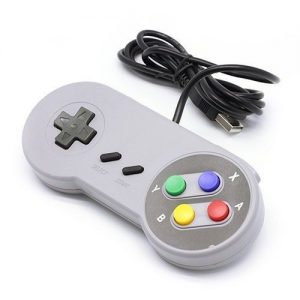 There are two ways of doing this, depending on what’s your situation. There might be cases when the controller allows you to navigate fine and enter games, but once you’ve entered a game, the controller does not work anymore, and you can’t even exit the game by pressing SELECT+START.
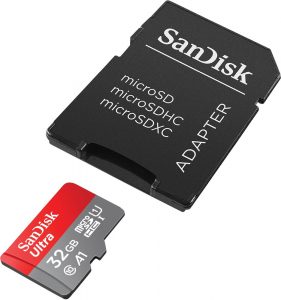 So you’ve got one of our cards, or you have another card with a setup you’ve been working for a while and you want to backup your work and preserve it. You should do that now! Here’s how to do it: